Prepare Mobile Sports Tickets Before You Reach the Gate
Set up the actual admission credential, transfers and a device backup plan before a sports event so a purchase email is not mistaken for a scannable ticket. This is an independent planning guide, not a ticket seller or an official event announcement. Use it to prepare questions, compare the practical options and build a day that fits your group. The examples are invented planning scenarios rather than promises about a particular venue, team, price or date.
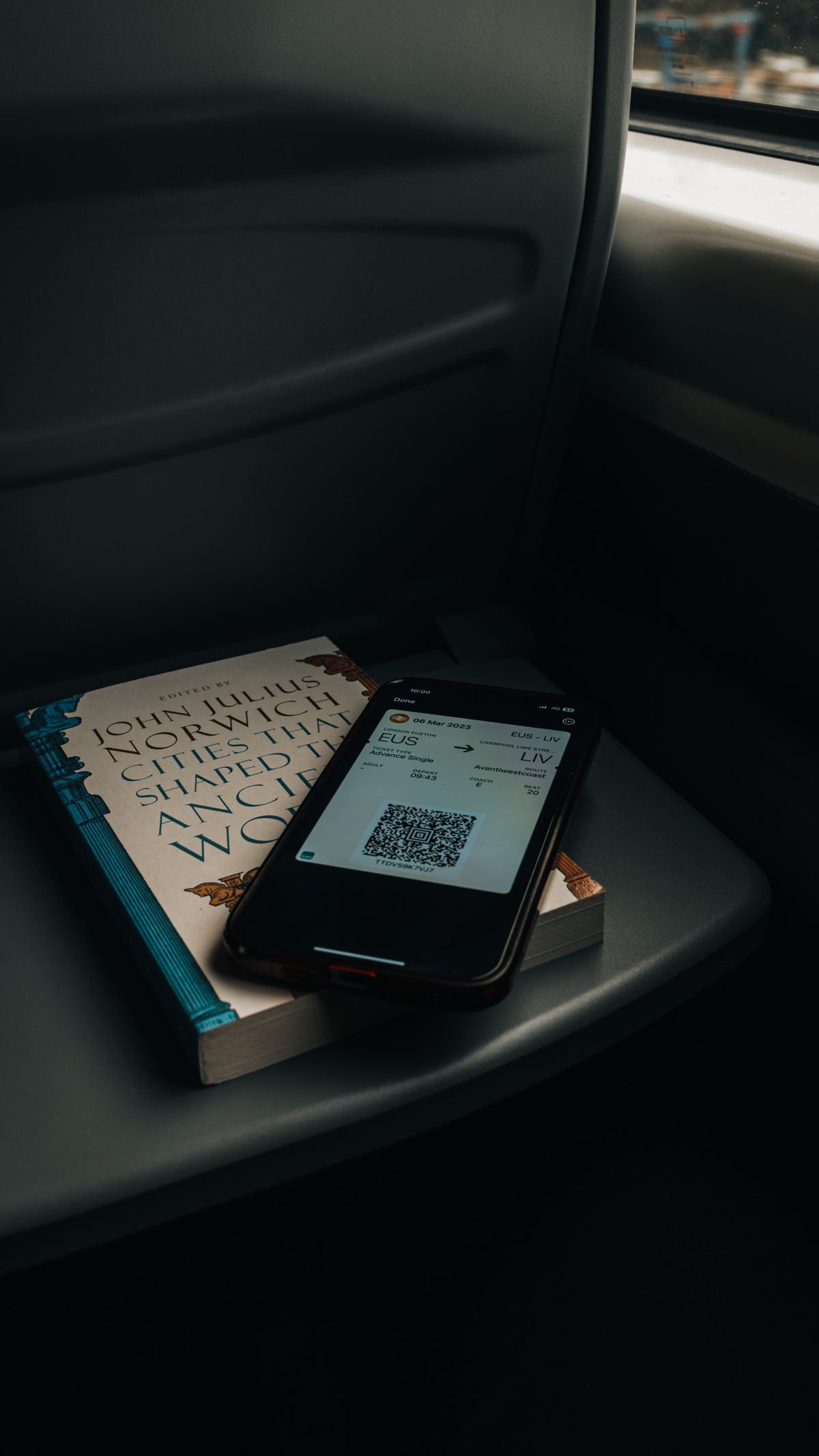
Photo: Pexels · Pexels License. Illustrative photograph of the subject; not a tested result, current condition report or endorsement. Display may crop the original.
Identify the issuer and event
Use the official event's instructions to find the correct ticket platform and account. The shop where you paid and the system that supplies admission may not be the same interface. Match the event, date, seat count and purchaser email. Save the receipt separately; it is evidence of the transaction, not necessarily the gate credential.
Sign in while you have reliable service
Resolve password, email and verification issues before travel. Check that you can see the actual ticket rather than only an order number. Use the issuer's current help page if delivery is pending. Do not wait until a crowded entrance to discover that an old phone number prevents account access.
Use the supported admission format
Follow the issuer's instructions for its app or compatible mobile wallet. Ticketmaster explains supported Mobile Entry and wallet options, but not every sporting event uses that system. A moving or protected barcode may not work as a screenshot. Prepare the real supported credential instead of treating a photograph as a universal backup.
Transfer through the official process
If companions arrive separately, check whether transfer is available and use the issuer's steps. Confirm that each recipient accepts and can access the correct ticket. An email saying a transfer was offered is not proof the recipient is ready. Avoid sharing your account password as a substitute for an authorized transfer.
Plan for the device, not just the app
Charge the phone, check access to the wallet or app and manage the battery for the entire day. Confirm whether a power bank is allowed by the venue before packing one. Keep important contact information available separately. If a device is unreliable, ask the box office about its official assistance process in advance.
Keep credentials private
Do not post visible barcodes, order details or ticket-account screens publicly. A celebratory social post can wait until it does not reveal an active credential. Use the verified seller or venue for support and avoid entering passwords into unsolicited links. Preserve evidence of a problem without distributing it to strangers.
Recheck after a change
A seat change, accepted transfer or event update can affect what appears in the account. Open the ticket again before departure and confirm each person's responsibility. If the original purchaser no longer attends, ensure the remaining group can complete entry. Keep the authorized support contact and purchase record accessible.
Use official help at the venue
If scanning fails, step aside as directed and explain the issuer, order and error to authorized staff. Do not keep forwarding screenshots between companions while blocking the gate. Follow the venue's assistance route and protect your login information. A clear account of what happened is more useful than repeatedly attempting an unsupported format.
A worked plan you can adapt
A purchaser holds three tickets, but one friend will arrive after work. Two days before the event, the purchaser checks that transfer is supported and sends that friend's ticket through the official system. The friend accepts it and confirms that the actual credential is visible on the phone they will bring. The remaining pair decides who presents their tickets together. Everyone charges a device and saves the venue's assistance location. If a seat update later arrives, they recheck the account instead of relying on old screenshots. This small rehearsal separates four different states—paid, issued, transferred and accessible—that are easy to confuse when someone says simply, 'I sent you the ticket.'
Your working checklist
Checkmarks stay in this browser when storage is available. They do not submit information or complete a purchase.
Put it into practice
- Match the official event instructions with the ticket issuer, account email and exact seats you purchased.
- Sign in on the device you will bring and confirm that the admission credential is available rather than only a payment receipt.
- Follow the issuer's supported app or mobile-wallet process and learn whether screenshots are unsuitable for that ticket.
- Use official transfer for separate arrivals and ask every recipient to confirm acceptance and actual access.
- Charge and prepare the device, check permitted backup power and save the authorized assistance contact separately.
- Before departure, reopen the current tickets and confirm the date, seat count and the person responsible for each credential.
- At the gate, present the supported credential and use the official help point if a scan problem occurs.
Before you finish
- The event, session, date and venue match across the ticket and travel plan.
- The venue has answered any item, access or seating question that could prevent attendance.
- Each person knows the entry plan, meeting point and journey home.
- The total spend and cancellation assumptions have been checked before further purchases.
Common questions
Is a screenshot enough?
Only if the issuer explicitly supports it for that ticket. Some credentials use changing or protected codes, so use the current official instructions rather than assuming an image will scan.
Can everyone enter using tickets on one phone?
Check the issuer and venue process. It may work for a group entering together, but separate arrival can require an authorized transfer and recipient acceptance.
What if my phone stops working?
Prepare the issuer's or box office's assistance process before the event. Keep purchase details and a support contact available, but do not assume a receipt automatically replaces admission.
Should I share my login with a friend?
Prefer the official transfer process where supported. Sharing credentials creates avoidable security and access problems and may still fail to give the recipient the correct ticket.